



Every company, no matter how big or small, can benefit from having a clear way to show how people and teams work together. This is where a hierarchy chart of a company becomes essential. A company hierarchy chart, also known as a corporate organizational chart or company structure diagram, helps everyone understand who reports to whom, how departments are connected, and where decisions are made.
As businesses grow, their structures often become more complex. New teams are added, roles change, and lines of reporting shift. Without a clear company organizational structure chart, things can quickly become confusing. Your team may not know who to contact, managers may struggle to assign responsibilities, and leadership can lose visibility into the organization.
In this guide, we will explain what a hierarchy chart of a company is, why it matters, and how to create one step by step. You will also see company chart examples from real businesses, best practices for organizational design, and tools that make managing your corporate hierarchy chart easier. By the end, you will understand how to build a clear, useful structure chart company leaders and employees can rely on.

What is the hierarchy chart of a company?
A hierarchy chart of a company is a visual diagram that shows how a business is organized. It displays roles, teams, and departments in a clear order, usually from top leadership down to entry-level employees. This type of chart helps people understand reporting relationships, authority levels, and how work flows across the organization.
You may also hear a hierarchy chart called a corporate organizational chart, company employee structure chart, or business structure chart. While the names vary, the goal is the same: to show the company’s organizational design in a simple and easy-to-read format.
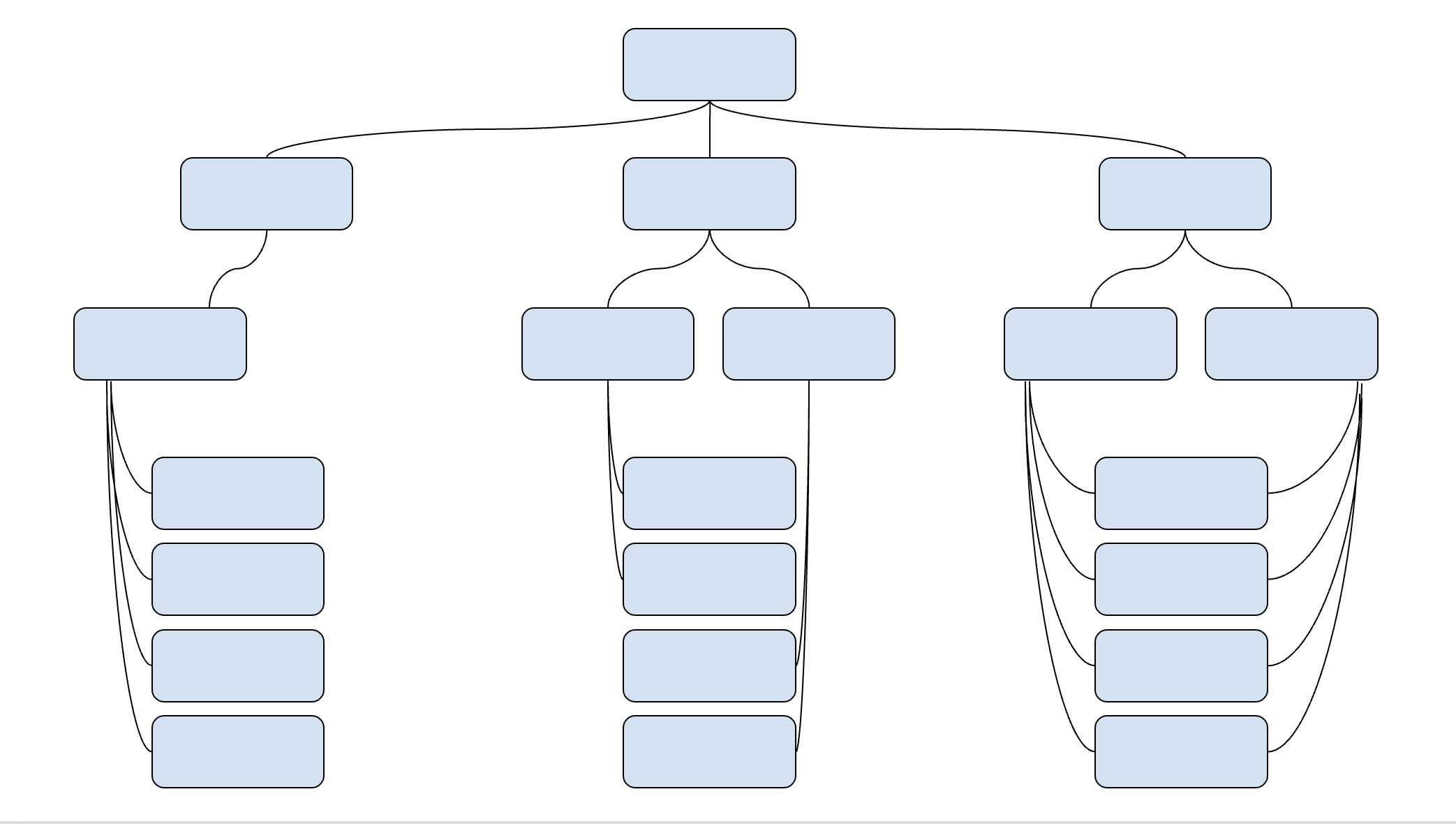
Key components of a hierarchy chart
Most company structure diagrams include a few core elements:
Leadership roles
These are usually shown at the top of the chart. Examples include the CEO, president, or executive team. In some charts, owners or investors may appear in a company ownership chart or entity structure chart.
Departments or teams
Departments such as marketing, sales, finance, and human resources are placed below leadership. This helps explain how the company is divided by function.
Roles and job titles
Each department includes job titles and positions, showing how employees are grouped and who they report to.
Reporting lines
Lines connect roles to show authority and responsibility. These lines are what turn a list of roles into a true corporate hierarchy chart.
Common types of hierarchy charts in companies
Not all companies use the same structure. Here are some popular types of hierarchy charts you may see:
Vertical hierarchy chart
This is the most traditional format. Leadership appears at the top, and employees are listed below in layers. It is common in large or established companies and is often used as a corporate management structure chart.
Flat or horizontal hierarchy chart
In this structure, there are fewer management levels. Teams have more autonomy, and reporting lines are shorter. Many startups use this model to encourage collaboration.
Matrix hierarchy chart
A matrix chart shows employees reporting to more than one manager, often by function and by project. This structure is common in larger organizations that manage complex projects.
Each of these formats can be adapted into a structure chart company leaders can update as the business evolves.
Why should companies care about hierarchy charts?
A hierarchy chart of a company helps everyone understand how the business is organized. It shows who reports to whom, how teams are set up, and where decisions are made. When this information is clear, people can work together more easily.
Without a clear corporate structure chart, employees may feel confused about their roles. Managers may not know who is responsible for certain tasks. A simple company organizational structure chart helps avoid these problems.
Hierarchy charts are especially helpful when a company is growing or changing. When new employees are hired or teams are reorganized, a clear structure chart helps everyone stay aligned.
Benefits of hierarchy charts
Clear roles and responsibilities
Employees can see their role in the company and understand what is expected of them.
Better communication
A hierarchy chart makes it easier to know who to contact for questions, approvals, or support.
Stronger organizational design
Leaders can use a company structure diagram to spot gaps or overlaps in teams and improve how work is organized.
Easier onboarding
New hires can quickly understand the company by looking at a company chart example.
Support for growth
As a business grows, a business structure chart helps leadership add new roles and keep the company organized.
How to create a hierarchy chart (step-by-step guide)
Creating a hierarchy chart of a company does not have to be complicated. By following clear steps, you can build a company organizational structure chart that is easy to understand and simple to update as your business grows.
This step-by-step guide focuses on clarity, organizational design, and practical use.
Step 1: Define the company’s mission and vision
Before building any structure chart company leaders should clearly define the company’s mission and vision. These statements explain why the company exists and what it is trying to achieve.
When your mission and vision are clear, it becomes easier to decide:
- Which teams are needed
- What roles support business goals
- How leadership should be structured
For example, a company focused on fast growth may need strong sales and customer support teams. A mission-driven company may place more emphasis on community or product quality. Your hierarchy chart should reflect these priorities.
Step 2: Identify key roles and departments
The next step in creating a hierarchy chart of a company is to list all key roles and departments. This helps form the foundation of your company organizational structure chart.
Start by identifying the main departments in your business. Common examples include:
- Executive leadership
- Operations
- Sales
- Marketing
- Finance
- Human resources
- Product or engineering
Next, list the roles within each department. Include managers, team leads, and individual contributors. This creates a clear company employee structure chart that shows how work is divided.
It is important to focus on roles, not people. Job titles and responsibilities matter more than employee names at this stage. This makes your structure chart company-wide and easier to update later.
You may also want to consider ownership or legal structure. In some cases, a company ownership chart or entity structure chart is useful to show investors, subsidiaries, or parent companies.
Step 3: Organize roles in a clear hierarchy
Once you have listed all roles and departments, the next step is to organize them into a clear hierarchy. This is where your hierarchy chart of a company really takes shape.
Start at the top with senior leadership, such as the CEO or executive team. Below them, place department heads or managers. Under each manager, list team leads and employees. This creates a logical flow from top to bottom.
When organizing roles, ask these questions:
- Who makes final decisions?
- Who manages each team?
- Who reports to whom?
Keep the structure simple and easy to follow. Avoid adding too many levels if they are not needed. A clean corporate hierarchy chart is easier to understand and use.
If your company uses a matrix structure, clearly show dual reporting lines. This helps avoid confusion and keeps the corporate management structure chart accurate.
Step 4: Choose a tool or software for creating the chart
After organizing roles, the next step is choosing how to build your hierarchy chart of a company. While some teams start with paper or spreadsheets, digital tools are easier to update and share.
When choosing a tool, look for features such as:
- Drag-and-drop editing
- Clear templates for a company organizational structure chart
- Easy updates when roles or teams change
- Sharing options for employees and managers
Many companies use diagram tools to create a basic company structure diagram. However, HR and people management platforms offer more advanced options. These tools connect your chart to employee data, making updates faster and more accurate.
Using the right tool supports better organizational design and helps keep your structure chart company-wide consistent as the business grows.
Step 5: Create the hierarchy chart layout
Now it is time to build the visual layout of your hierarchy chart of a company. This is where all your planning comes together.
Start by choosing a layout that fits your company’s structure:
- A vertical layout works well for traditional companies
- A flat layout fits startups or small teams
- A matrix layout is useful for project-based organizations
Use clear shapes and labels for each role or department. Keep spacing even and avoid clutter. A clean company organizational structure chart is easier to read and understand.
Templates can save time and reduce errors. Many tools offer ready-made company chart examples that you can customize. These templates help ensure your business structure chart looks professional and follows best practices.
Once complete, share the chart with your team and review it regularly. As your company grows, your hierarchy chart should evolve too.
Examples of companies and their corporate structure chart
Looking at real-world examples can help you understand how different businesses design their hierarchy chart of a company. Large organizations often use different structures based on their size, goals, and industries.
Below are a few simplified examples from well-known U.S. companies. These are high-level overviews, not complete internal charts.
Amazon and its hierarchical structure
Amazon uses a mostly vertical corporate organizational chart with clear leadership levels. At the top is the CEO, followed by senior executives who oversee major business areas such as retail, cloud services, and operations.
Each division has its own managers and teams, creating a structured corporate management structure chart. This model helps Amazon manage its large workforce while keeping decision-making organized.
Google and its matrix structure
Google, under its parent company Alphabet, uses a matrix-style company organizational structure chart. Employees often report to both a functional manager and a project lead.
This corporate hierarchy chart supports innovation and collaboration across teams. It allows employees to work on multiple projects while still maintaining clear reporting lines.
Walmart and its functional structure
Walmart uses a functional business structure chart. Teams are grouped by function, such as operations, supply chain, and merchandising.

This structure helps Walmart manage efficiency across thousands of stores. Clear reporting lines make the structure chart company-wide and easy to follow.
Best practices on structuring a hierarchy chart
Creating a hierarchy chart of a company is more than drawing boxes and lines. Following best practices ensures your company organizational structure chart is clear, useful, and easy to update.
Keep it simple
Avoid overcrowding your chart with too many details. Focus on roles, reporting lines, and departments. A clean company structure diagram is easier for employees to understand.
Be consistent
Use consistent shapes, colors, and labels. This makes your corporate hierarchy chart look professional and prevents confusion.
Include all key roles
Make sure every important department and position is represented. Missing roles can create gaps in understanding the company structure.
Update regularly
A hierarchy chart should reflect the current organization. Update it whenever someone is hired, promoted, or moved to another team. This keeps your corporate management structure chart accurate.
Align with organizational design
Your hierarchy chart should support the company’s overall organizational design. Ensure the structure matches your business goals, workflows, and decision-making process.
Use digital tools
Digital tools allow easy updates, sharing, and customization. A company employee structure chart managed digitally can save time and prevent errors.
Company org chart tools
Creating a hierarchy chart of a company is much easier with the right tools. Today, there are many options, from simple diagram software to advanced HR platforms that integrate employee data.
Diagram software
Programs like Microsoft Visio, Lucidchart, and Canva let you drag and drop shapes to create a company structure diagram.
They are flexible and work well for static charts, but updates must be done manually.
HR and people management platforms
Tools like Factorial, Functionly, and ChartHop connect directly to your employee database.
They allow you to create a live corporate hierarchy chart that updates automatically when someone is hired, moved, or promoted.
These tools also support multiple layouts, templates, and integration with company data.
Using the right software helps with:
- Keeping your company employee structure chart up to date
- Managing complex corporate management structure charts
- Supporting better organizational design
- Quickly sharing charts with teams
Factorial, for example, allows companies to build a corporate structure chart digitally and manage it in real time. This makes it easier to maintain accuracy and transparency across your organization.
Take a look at our list of the best organizational chart software to get started.
How Factorial can help create & manage your company hierarchy chart
Factorial makes it easy to create and manage a hierarchy chart of a company digitally. Instead of redrawing charts each time someone joins or changes teams, Factorial updates your corporate structure chart automatically.
With Factorial, you can:
- Build a clear company organizational structure chart in minutes
- Keep your company employee structure chart always up to date
- Visualize teams, roles, and reporting lines
- Support better organizational design and planning
Using Factorial ensures your chart reflects your real organization at all times. This helps employees understand the structure and makes management decisions easier.
Hierarchy Chart FAQs
1. What is the hierarchy chart of a company?
A hierarchy chart of a company is a visual diagram that shows how a business is organized. It displays roles, teams, and departments in order, showing reporting lines and responsibilities. It is also called a corporate organizational chart or company structure diagram.
2. What are the five levels of hierarchy of a company?
While it varies by company, a common five-level hierarchy includes:
- Executive leadership (CEO, president)
- Senior managers or directors
- Middle managers
- Team leads or supervisors
- Employees or individual contributors
3. Is there an org chart template?
Yes. You can find a free template here: Organizational chart template. A template like this is a great starting point for mapping the structure of your company. Download it and customize the template to get started.
4. What is the best program to use to make an organizational chart?
The best program depends on your needs:
- For simple static charts: Lucidchart, Canva, or Visio
- For live, automatically updated charts: HR platforms like Factorial are ideal