

Time is one of the most valuable resources in any workplace. Managing it poorly can lead to missed deadlines, stressed employees, and decreased productivity. That’s where time management tools come in. These tools help individuals and teams track tasks, organize schedules, and stay focused on priorities.
Unlike traditional methods such as pen-and-paper planners, manual tracking, or spreadsheets, modern time management tools offer features like automatic reminders, task prioritization, team collaboration, and real-time progress tracking. These capabilities make it easier to manage workloads efficiently and reduce the mental strain of keeping everything in your head.
With the right tool, you can not only get more done in less time but also improve communication, track performance, and gain insights into how your time is spent. Whether you’re a small business owner, a team manager, or someone looking to improve personal productivity, choosing the right time management tool can transform the way you work.
Using Time Management Tools
Time management tools aren’t just beneficial for individual productivity, they can have a major impact on companies, especially in a fast-paced business environment. When used effectively, these tools help teams stay aligned, projects move smoothly, and managers gain a better view of progress on all projects.
Benefits of Time Management Tools to Boost Company Growth
For employers, the benefits go beyond tracking hours or tasks:
- Better team collaboration: Teams can assign tasks, set deadlines, and share updates in one platform. Everyone knows who is responsible for what.
- More productivity: Employees spend less time figuring out priorities and more time completing high-impact work.
- Less stress: Automated reminders and clear schedules prevent last-minute rushes and missed deadlines.
- Decisions based on data: Managers can track project progress, identify bottlenecks, and make better decisions based on real-time data.
- Scalability: Time management tools grow with your business, handling everything from small projects to enterprise-level operations.
Benefits of Using Time Management Tools Versus Traditional Methods
While spreadsheets and planners have worked for decades, they often fall short in the workplace when it comes to larger teams, especially when working in a hybrid or remote environment:
- Manual updates: Paper planners and spreadsheets require constant updating, which can be error-prone.
- Limited collaboration: Sharing updates in real-time is difficult, especially for remote or hybrid teams.
- Lack of insights: Traditional methods don’t track productivity trends or generate analytics to improve workflow.
- Time-consuming: Sorting through tasks manually can take hours that could be spent on actual work.
Time management tools solve these problems by automating scheduling, sending reminders, centralizing communication, and providing visual dashboards. The result is not just better organization, but a more productive, less stressful work environment.
Key Features to Look for in Time Management Tools
Choosing the right time management tool can make a huge difference in how efficiently you work. While every tool has its own strengths, there are key features that most effective platforms include:
- Task management: Allows you to create, organize, and prioritize tasks easily. You can assign tasks to team members and track progress.
- Calendar integration: Syncs with calendars like Google Calendar or Outlook to keep deadlines and meetings in one place.
- Reminders and notifications: Alerts help prevent missed deadlines and keep everyone on track.
- Time tracking: Lets you monitor how much time is spent on tasks and projects, which is essential for productivity and billing.
- Collaboration tools: Features like file sharing, comments, and team chat make it easier for teams to work together.
- Reporting and analytics: Provides insights into productivity patterns, helping teams optimize workflows.
- Mobile accessibility: Allows users to manage tasks and schedules on the go.
- Scalability: A tool that can grow with your team or business is crucial for long-term use.
Factors to Consider When Selecting the Right Tool for You
Not every tool fits every person or team. Here are some important considerations:
- Business size: Small teams may prefer simpler tools, while larger organizations need platforms that support multiple users and departments.
- User Interface (UI): A clean, intuitive interface reduces the learning curve and helps employees adopt the tool quickly.
- Pricing: Consider both your budget and the features offered. Some tools are free for basic use, while others require subscriptions.
- Scalability: Make sure the platform can handle your growth without forcing you to switch later.
- Mobile accessibility: Many employees work remotely or travel frequently. A tool with a strong mobile app keeps everyone connected.
By evaluating these factors, you can find a time management tool that fits your team’s needs, supports collaboration, and maximizes productivity.
8 Best Time Management Tools in 2026
Here are eight of the best time management tools in 2026 for US employers and teams. Each tool approaches time management differently, from tracking hours worked to organizing tasks, projects, and employee schedules.
1. Factorial
Best for: Small to mid-sized businesses looking for an all-in-one solution
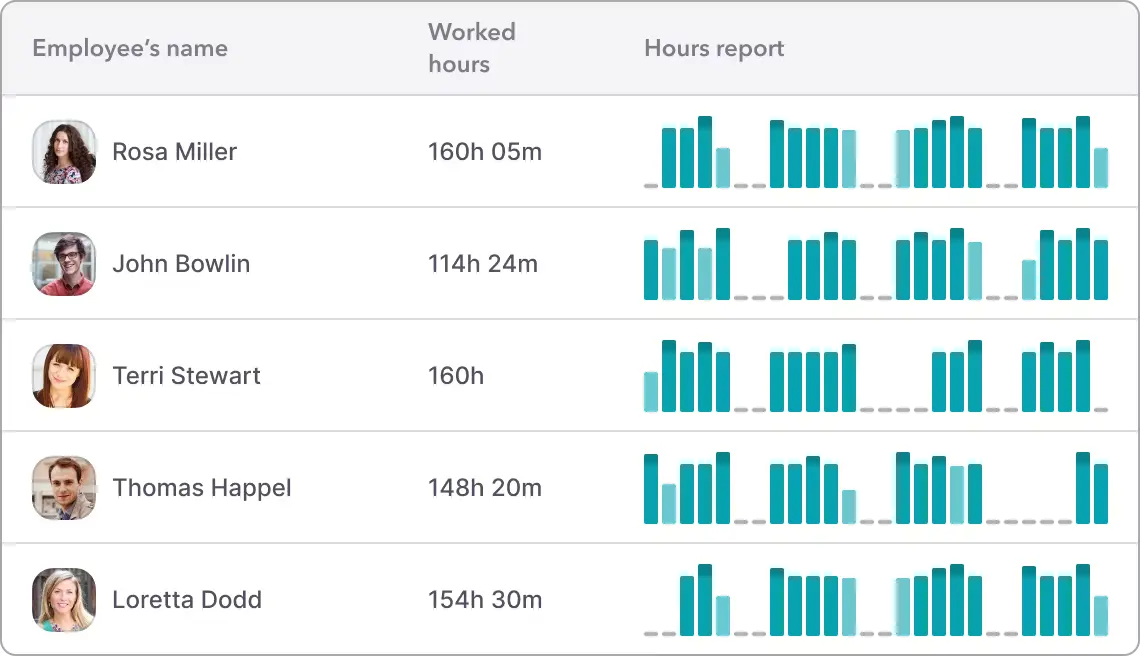
Overview: Factorial is a business management platform that helps employers track employee time while connecting it to scheduling, time off, and payroll workflows. Instead of relying on separate tools for tracking hours, approving leave, and managing attendance, Factorial brings everything into one system. This makes it easier for managers to monitor productivity, stay compliant, and reduce manual work.
Key features:
- Time tracking and clock-in/clock-out
- Shift scheduling and attendance management
- Time-off and leave tracking
- Workforce and productivity reports
- Mobile app for employees and managers
Pros:
- Centralizes time management and HR data
- Easy to use for both employees and admins
- Reduces the need for multiple tools
Cons:
- Built mainly for teams rather than solo users
- Some features may not be needed by very small teams
Price: Starts around $8 per user/month (pricing varies by plan)
2. Asana
Best for: Teams managing tasks and projects
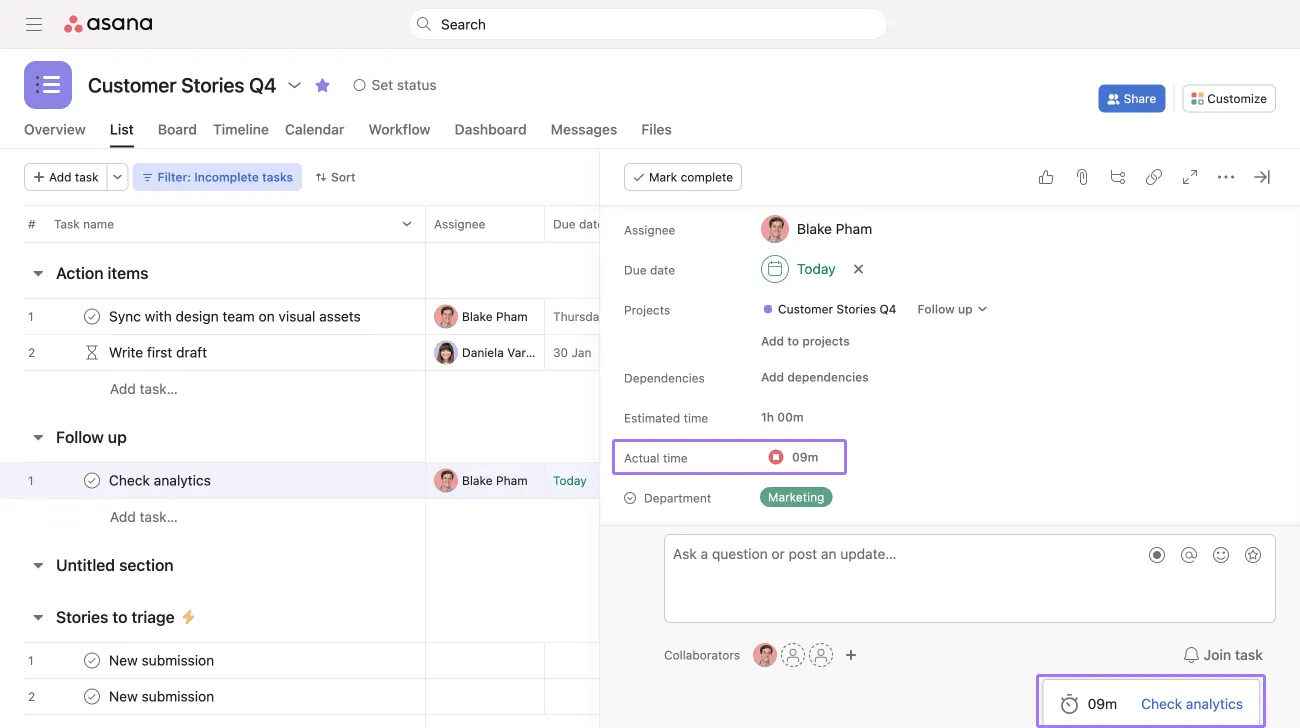
Overview: Asana is a task and project management tool designed to help teams stay organized and meet deadlines. While it does not offer native time tracking, it supports time management by helping teams plan workloads, visualize timelines, and track progress across projects. Many teams pair Asana with a time tracking tool to create a complete system.
Key features:
- Task and project management
- Timeline and workload planning
- Collaboration and commenting
- Integrations with time tracking tools
Pros:
- Clear and intuitive interface
- Strong visibility into project progress
- Works well for cross-functional teams
Cons:
- Time tracking requires integrations
- Focuses more on tasks than hours worked
Price: Free plan available; paid plans start around $10.99 per user/month
3. ClickUp
Best for: Teams that want flexible workflows
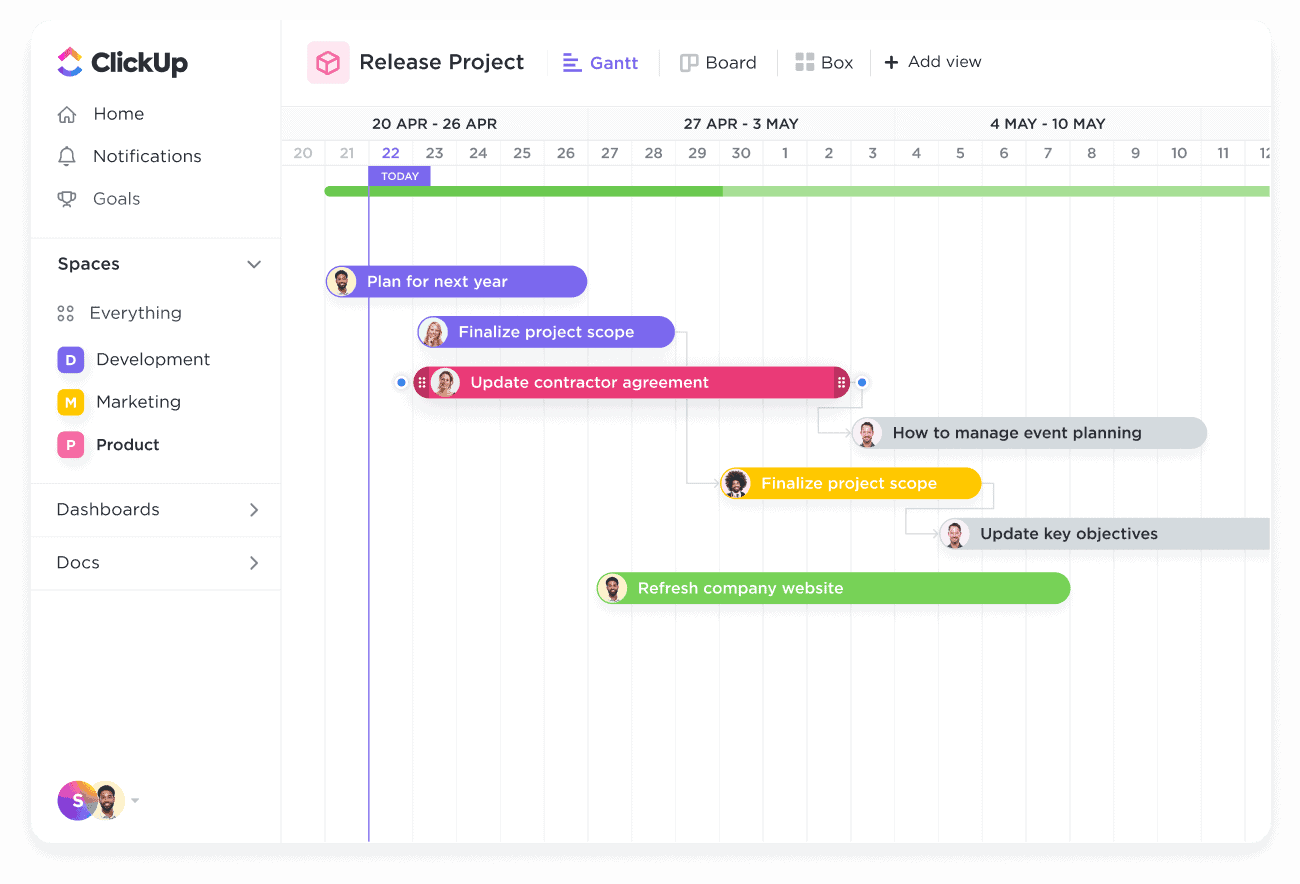
Overview: ClickUp combines task management, goal tracking, and time tracking in a single platform. It is highly customizable, allowing teams to create workflows that match how they work. This makes it a strong option for teams that want to track time while also managing detailed projects and deliverables.
Key features:
- Built-in time tracking
- Custom dashboards and workflows
- Task dependencies and goals
- Automation and integrations
Pros:
- Highly customizable
- Includes time tracking
- Supports many different team setups
Cons:
- Requires setup to get the most value
- Feature-rich interface may take time to learn
Price: Free plan available; paid plans start around $7 per user/month
4. RescueTime
Best for: Individuals and teams focused on productivity insights
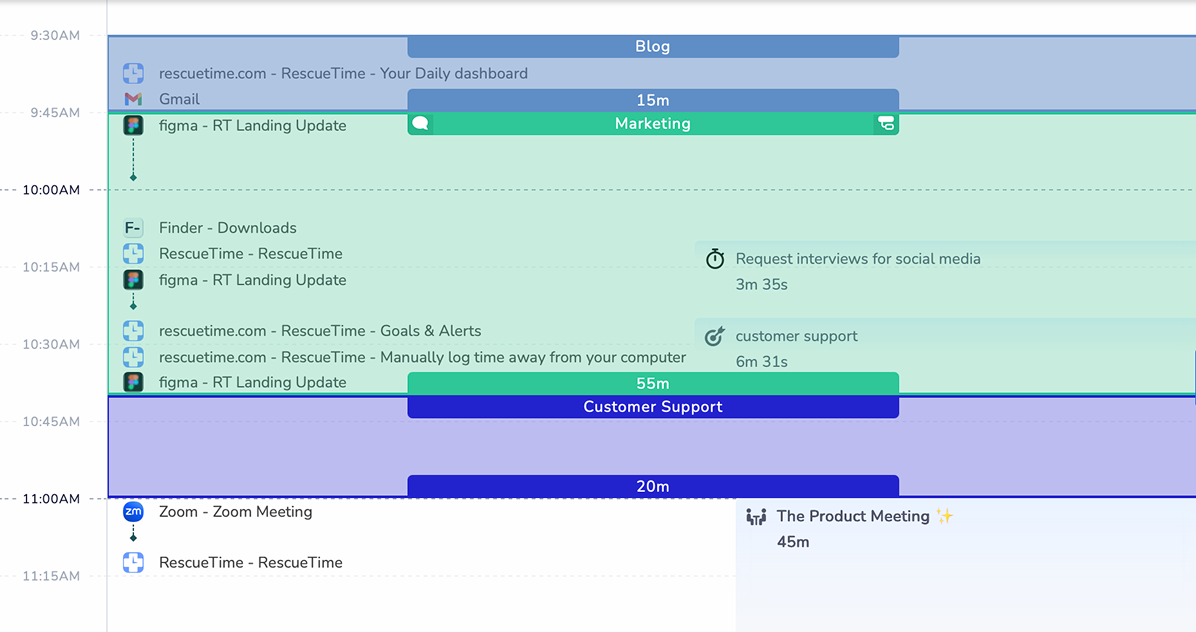
Overview: RescueTime automatically tracks how time is spent on apps and websites. Instead of manual timers, it runs in the background and provides insights into work habits. This makes it especially useful for identifying distractions and improving focus throughout the workday.
Key features:
- Automatic background tracking
- Productivity and focus reports
- Distraction alerts
- Goal setting
Pros:
- No manual tracking required
- Clear insights into daily habits
- Simple to start using
Cons:
- Less focused on team scheduling
- Limited project-based time tracking
Price: Starts around $12 per user/month
5. Clockify
Best for: Teams needing simple and affordable time tracking
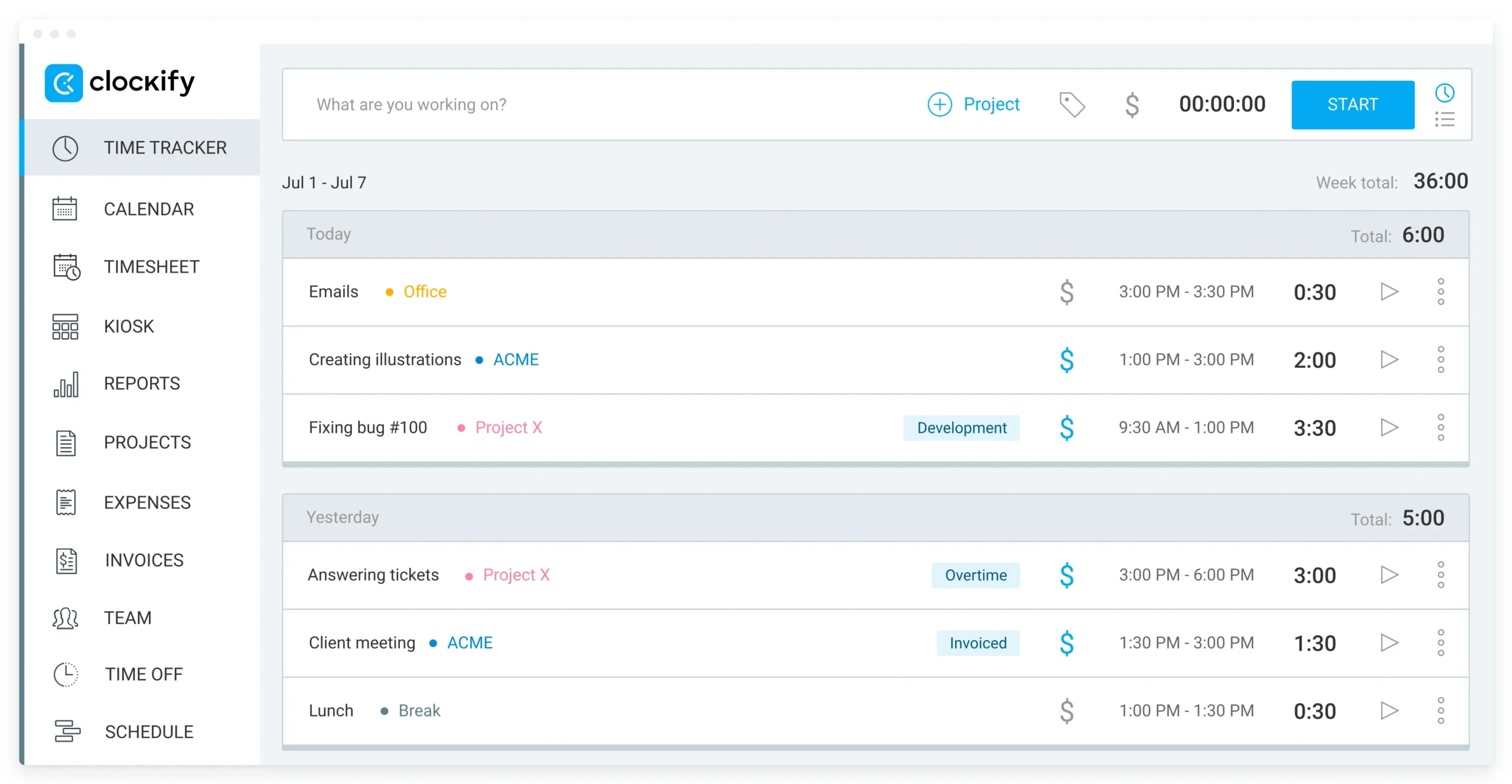
Overview: Clockify is a straightforward time tracking tool that helps teams record hours worked across projects and clients. Its free plan supports unlimited users, making it a popular choice for small businesses that need basic time tracking without a large investment.
Key features:
- Time tracking and timesheets
- Project and client tracking
- Reporting tools
- Web and mobile apps
Pros:
- Generous free plan
- Easy to adopt for new users
- Reliable core features
Cons:
- Advanced reports are part of paid plans
- Design focuses on function over customization
Price: Free plan available; paid plans start around $3.99 per user/month
6. Toggl Track
Best for: Freelancers and small teams
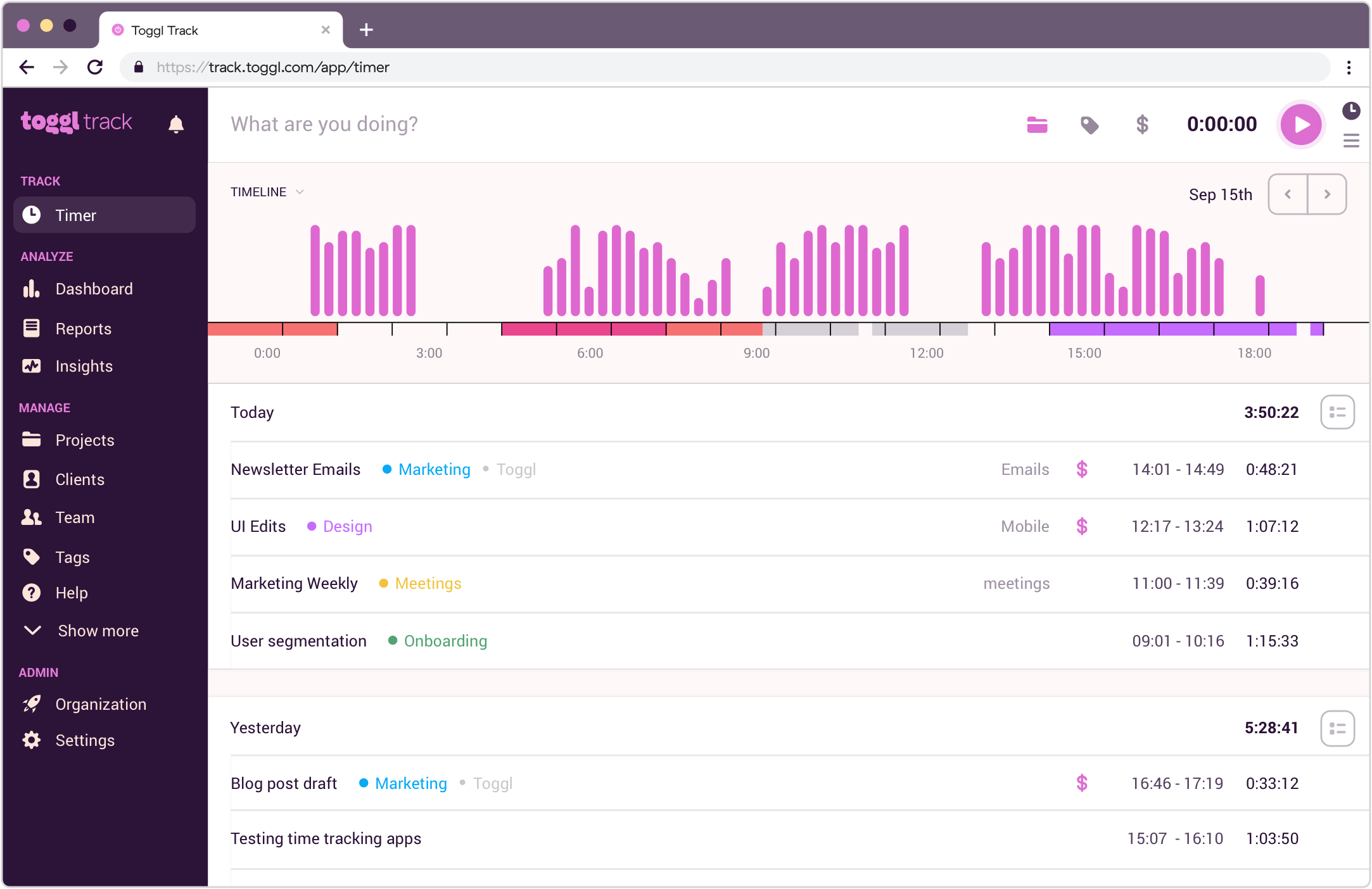
Overview: Toggl Track is designed for fast and simple time tracking. Users can start and stop timers with one click, making it easy to log hours accurately. It works well for tracking time by project, client, or task and is often used alongside project management tools.
Key features:
- One-click time tracking
- Project and client tracking
- Detailed reports
- Integrations with popular tools
Pros:
- Very easy to use
- Clean and intuitive interface
- Strong reporting for time analysis
Cons:
- Limited scheduling features
- Pricing increases as teams grow
Price: Free plan available; paid plans start around $10 per user/month
7. Monday.com
Best for: Teams that prefer visual workflows
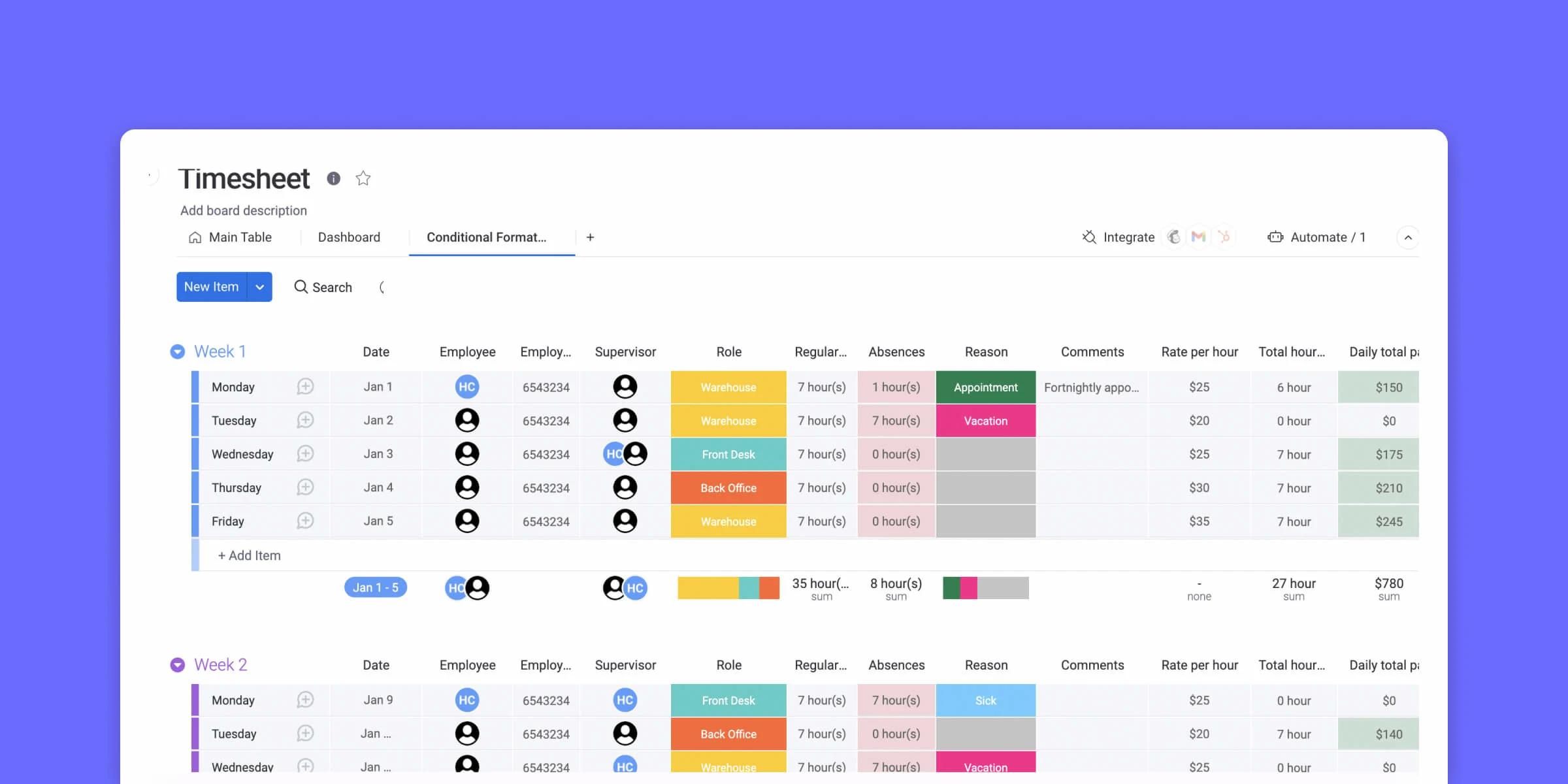
Overview: Monday.com is a work management platform that helps teams plan tasks and projects using visual boards. Time tracking is available as part of broader workflows, making it useful for teams that want to manage both work progress and time in one place.
Key features:
- Visual task and project boards
- Time tracking columns
- Automation and integrations
- Custom dashboards
Pros:
- Visually engaging interface
- Flexible workflows
- Scales well as teams grow
Cons:
- Time tracking is not the primary focus
- Best value comes with team-wide use
Price: Starts around $9 per user/month (billed annually)
8. Notion
Best for: Flexible planning and organization
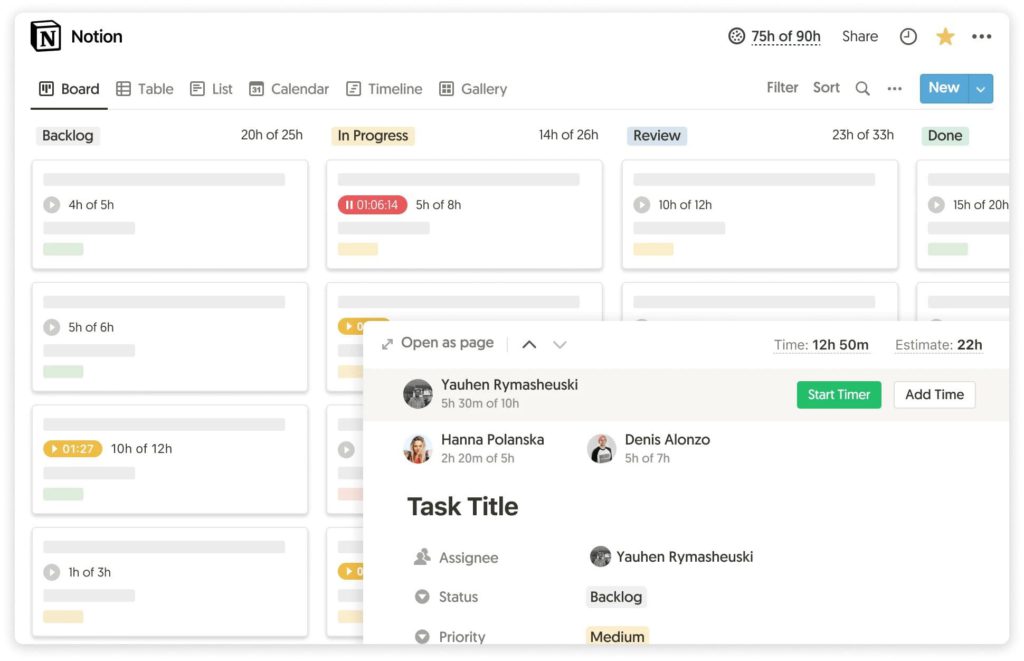
Overview: Notion is a customizable workspace used for notes, tasks, and internal documentation. While it does not offer built-in time tracking, teams often use it to plan work, organize priorities, and connect with external time tracking tools.
Key features:
- Task databases and boards
- Custom dashboards
- Team collaboration
- Integrations with time tracking tools
Pros:
- Highly flexible and customizable
- Strong for planning and documentation
- Works for individuals and teams
Cons:
- Time tracking requires third-party tools
- Setup depends on how the team chooses to use it
Price: Free plan available; paid plans start around $8 per user/month
Comparing the Best Time Management Tools
| Platform | Best For | Price (Typical) |
| Factorial | Businesses wanting a unified HR + time management solution | ~$8/user/month (varies by plan) |
| Asana | Teams needing robust task and project planning | Free; $10.99 – $24.99/user/month for paid tiers |
| ClickUp | Flexible work platform for teams of all sizes | Free; ~$7+/user/month for paid plans |
| RescueTime | Individuals or teams focused on digital habits and focus | ~$6.50 – $12/user/month (depending on billing) |
| Clockify | Budget‑friendly time tracking with unlimited users | Free; ~$5.49 – $12.99/user/month for paid plans |
| Toggl Track | Simple and intuitive time tracking for freelancers & teams | Free; ~$10 – $20/user/month |
| Trello | Visual task and workflow management | Free; ~$5 – $12.50/user/month |
| TimeCamp | Automatic time tracking with reporting and productivity insights | Free; ~$3.99 – $13.99/user/month |
Which Time Management Tool is Right for Your Needs?
Choosing the right time management tool depends on your team size, budget, and specific workflow requirements. Not every platform fits every company, so it’s important to match the tool to your goals.
Factors to Consider
Company Size
- Small teams or freelancers: Tools like Toggl Track, Trello, or Clockify work well because they are simple, low-cost, and easy to set up.
- Medium teams: Platforms like ClickUp or Asana provide more advanced project management and collaboration features.
- Large enterprises: Factorial or TimeCamp may be better choices because they combine HR, payroll, and time tracking with scalable reporting.
Budget
- Free or low-cost plans work for teams that don’t need advanced features.
- Premium plans offer automation, reporting, and integrations that save time and improve productivity. Consider whether the added features justify the cost.
Specific Requirements
- Individual tracking: RescueTime or Toggl Track provide detailed analytics and personal productivity insights.
- Team project management: Asana, ClickUp, or Trello are best for task assignment, collaboration, and project visibility.
- Unified business management: Factorial combines HR and time management in one system, reducing the need for multiple tools.
Combining Multiple Tools for Maximum Efficiency
Many businesses find it useful to combine tools to meet different needs.
For example:
- Using Clockify for precise time tracking alongside Trello for project visualization.
- Pairing RescueTime for personal focus analysis with Asana for team collaboration.
However, combining multiple platforms can also create friction if teams need to switch between apps frequently. That’s where an all-in-one solution like Factorial shines. With Factorial, companies can manage HR tasks, track time, handle attendance, and oversee projects in one unified system, reducing complexity while improving efficiency.
Read more on how to build time management skills in the workplace.
Maximize Your Productivity with Factorial
Factorial is more than just a time tracking tool. It is a system that helps your whole team stay organized and work smarter. Instead of juggling multiple apps, Factorial brings everything together including time tracking, attendance, HR management, and project oversight.
Why Factorial Works
Factorial is an all-in-one system. You do not need separate apps for HR, time tracking, and scheduling because everything is in one place. It is easy to use. The interface is simple and clear, so your team can start using it quickly. Factorial is mobile friendly. Employees can check schedules, request time off, and log hours from their phone. It is scalable. Factorial can grow with your company, whether you have five employees or five hundred.
Using Factorial helps reduce stress, saves time, and keeps everyone on the same page. Your team can focus on important tasks instead of wasting time on spreadsheets or switching between apps.
If you want your team to work smarter and save time every day, Factorial is a strong choice. You can book a demo today to see how it can improve your workflow and make managing time easier for everyone.
Conclusion
Strong time management is the foundation of productive teams and healthy workplaces. When employees know how their time is spent and managers have clear visibility into work schedules and workloads, it becomes easier to reduce burnout, stay organized, and meet business goals. The right time management tools help turn daily tasks into structured workflows and replace guesswork with clarity.
Factorial supports this approach by bringing time tracking, scheduling, and paid time off tracking software into one easy-to-use platform. Instead of juggling spreadsheets or disconnected tools, teams can rely on a single system that keeps time data accurate and accessible. With built-in employee time and attendance software, managers can monitor attendance, approve time off, and make informed decisions without added complexity.
Choosing the right time management solution is not just about tracking hours. It is about creating better work habits and smoother operations. By investing in a platform like Factorial, businesses can simplify time management, support their employees, and build a more productive work environment.
Disclaimer:
The information presented on this page is based on publicly available sources. The comparisons between Factorial and other providers are intended solely for the illustration of the respective software features, pricing and functionalities. All information regarding features, prices, and integrations may be subject to change without prior notice. Factorial assumes no liability for the accuracy, completeness, or timeliness of the information presented. We recommend contacting the respective providers directly to obtain the most accurate and up-to-date information. All legal regulations regarding Spanish fair advertising and competition law are fully observed by us; if you have any concerns, please reach out to us. The comparisons presented do not constitute a final evaluation or recommendation for any provider, but serve solely as an informational source.